

CrutchAlerts Extensions (0.2.0)
A collection of world-drawing or combat-related features that are a little too niche to be in the main CrutchAlerts’ scope. See Kyzderp’s Derps for even more small miscellaneous features.
Persistent Features
Settings profiles are saved installation-wide and can be applied to individual characters. All features are optional and should be configured in the settings, also reachable through /cae settings.
Synergy Tools
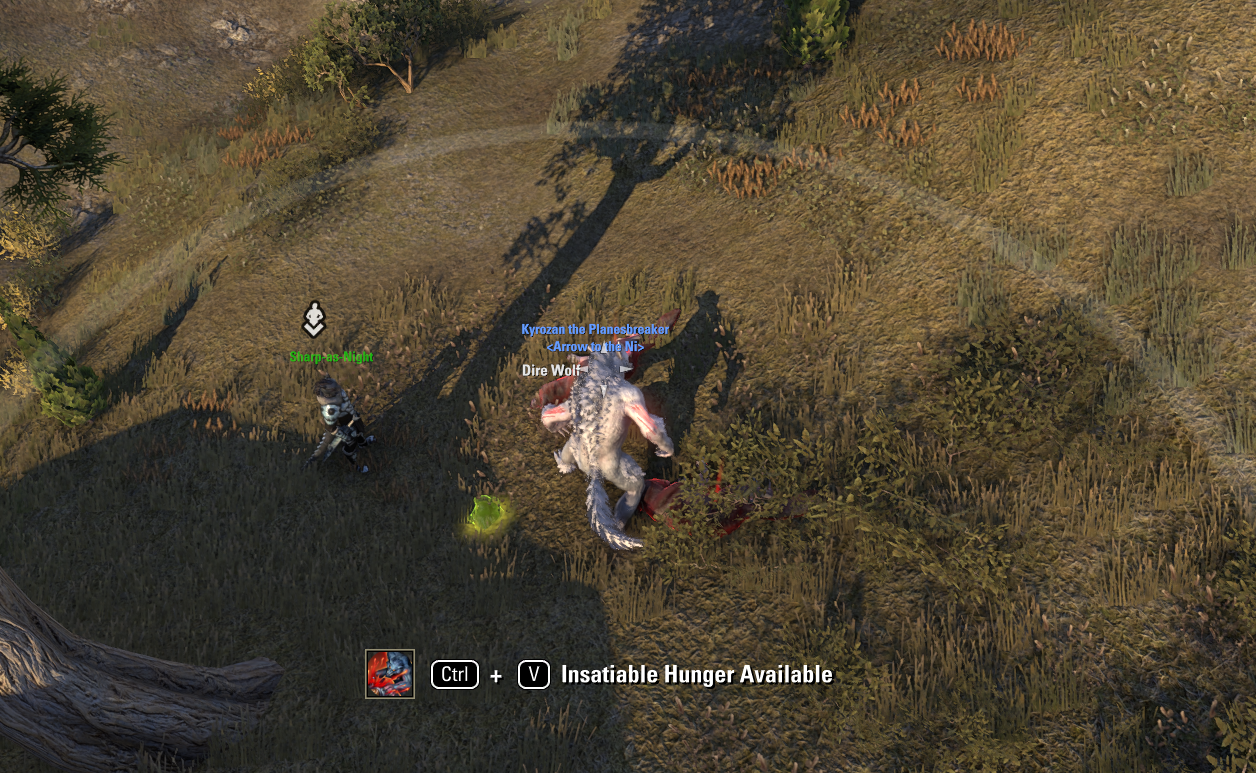
– Allows setting a modifier keybind for Insatiable Hunger, so the synergy requires holding the modifier key to deliberately devour corpses.
– Single setting to lower the priority of Insatiable Hunger.
– Single setting to raise the priority of Feeding Frenzy and Charged Lightning.
Unit Icons
– Draws icons above your own companions, assistants, and pets. Credit to OdySupportIcons for the idea.
Shapes
– Draws persistent circles or rectangles following your character, intended to help with seeing ability ranges. You can configure conditional set, slotted skill, or effect ability IDs, so for example you can have a 12 meter radius circle that only shows up when you have the Vateshran SnB equipped, a 10 meter circle when you have Ferocious Roar slotted, or a 7 by 20 rectangle when Deep Fissure is active.
– May add more shapes or options eventually (cones?)
– Does not currently support multiple IDs per shape, will probably add in the near future.
Lines
– Draws persistent lines connecting 2 players if they are in your group, like the one for Arcane Conveyance or Dominator’s Chains.
Misc Utilities
Access utils through the settings page or /cae utils.
– Draws a temporary line between two group members. Because M0R really wants these in dropdowns.
Commands
– /cae settings – opens the settings menu
– /cae utils – opens the utils settings menu
– /cae printskills – prints your currently equipped skill IDs
– /cae printsets – prints your currently equipped set IDs
– /cae printeffects – prints IDs of ability effects currently on you
– /cae freeze – temporarily freezes shapes in their current spots; intended for debugging / testing, so it’s just an update freeze, and it will reset if conditions change
– /cae unfreeze – restores shapes to follow your character
Depends on: CrutchAlerts, LibAddonMenu-2.0







