Stygian | ESO Set
Stygian is an Overland Set in The Elder Scrolls Online, found in the zone of Coldharbour. Stygian comes in Medium Armor, Jewelry and Weapons.
The post Stygian | ESO Set first appeared on Hack the Minotaur.

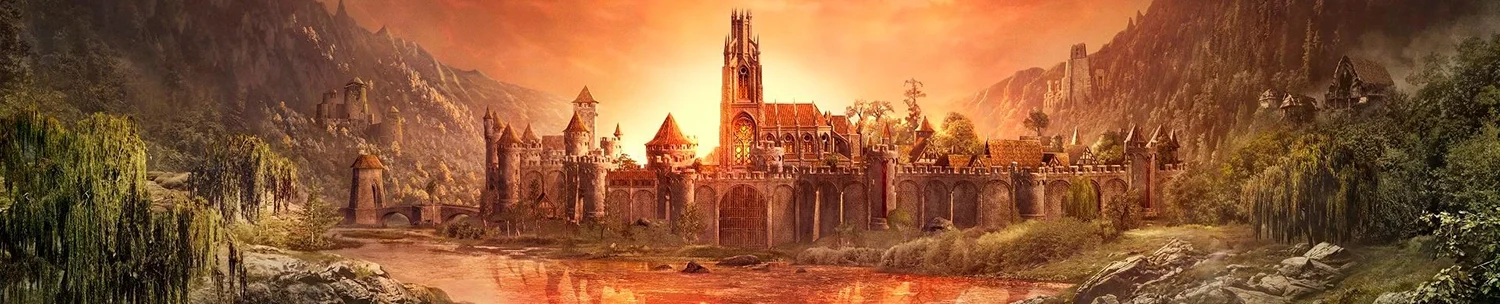
Stygian is an Overland Set in The Elder Scrolls Online, found in the zone of Coldharbour. Stygian comes in Medium Armor, Jewelry and Weapons.
The post Stygian | ESO Set first appeared on Hack the Minotaur.
Storm Knight’s Plate is an Overland Set in The Elder Scrolls Online, found in the zone of Stormhaven. Storm Knight’s Plate comes in Heavy Armor, Jewelry and Weapons.
The post Storm Knight’s Plate | ESO Set first appeared on Hack the Minotaur.
Stendarr’s Embrace is an Overland Set in The Elder Scrolls Online, found in the zone of Eastmarch. Stendarr’s Embrace comes in Light Armor, Jewelry and Weapons.
The post Stendarr’s Embrace | ESO Set first appeared on Hack the Minotaur.
Soulshine is an Overland Set in The Elder Scrolls Online, found in the zone of Reaper’s March. Soulshine comes in Heavy Armor, Jewelry and Weapons.
The post Soulshine | ESO Set first appeared on Hack the Minotaur.
Skooma Smuggler is an Overland Set in The Elder Scrolls Online, found in the zone of Reaper’s March. Skooma Smuggler comes in Light Armor, Jewelry and Weapons.
The post Skooma Smuggler | ESO Set first appeared on Hack the Minotaur.
Sithis’ Touch is an Overland Set in The Elder Scrolls Online, found in the zone of Gold Coast. Sithis’ Touch comes in Heavy, Medium, Light Armor, Jewelry and Weapons.
The post Sithis’ Touch | ESO Set first appeared on Hack the Minotaur.
Shalk Exoskeleton is an Overland Set in The Elder Scrolls Online, found in the zone of Stonefalls. Shalk Exoskeleton comes in Heavy Armor, Jewelry and Weapons.
The post Shalk Exoskeleton | ESO Set first appeared on Hack the Minotaur.
Shadow Dancer’s Raiment is an Overland Set in The Elder Scrolls Online, found in the zone of Greenshade. Shadow Dancer’s Raiment comes in Light Armor, Jewelry and Weapons.
The post Shadow Dancer’s Raiment | ESO Set first appeared on Hack the Minotaur.
Seventh Legion Brute is an Overland Set in The Elder Scrolls Online, found in the zone of Bangkorai. Seventh Legion Brute comes in Heavy Armor, Jewelry and Weapons.
The post Seventh Legion Brute | ESO Set first appeared on Hack the Minotaur.
Senche’s Bite is an Overland Set in The Elder Scrolls Online, found in the zone of Reaper’s March. Senche’s Bite comes in Medium Armor, Jewelry and Weapons.
The post Senche’s Bite | ESO Set first appeared on Hack the Minotaur.







