Easy PTE (1.0)
Exit dungeons and trials fast with a single keybind of your choice.

Exit dungeons and trials fast with a single keybind of your choice.
The Elder Scrolls Online is set to release Update 47! In this guide we will cover the major changes to the game coming in this new release as well as new content on offer via the Feast Of Shadows DLC dungeon pack and the new Writhing Wall event!
The post ESO Update 47 Complete Patch Guide first appeared on Hack the Minotaur.
Heavy Weapons are some of the most powerful options for combat in The Outer Worlds 2! From Grenade Launchers, to Flamethrowers, Machine Guns and more, these weapons bring the hurt to the battlefield!
The post The Outer Worlds 2 – All Heavy Weapons and Where To Get Them first appeared on Hack the Minotaur.
Unique Weapons are some of the most powerful (and unusual) options for combat in The Outer Worlds franchise and they are back and better than ever in The Outer Worlds 2!
The post The Outer Worlds 2 – All Unique Weapons and Where To Get Them first appeared on Hack the Minotaur.
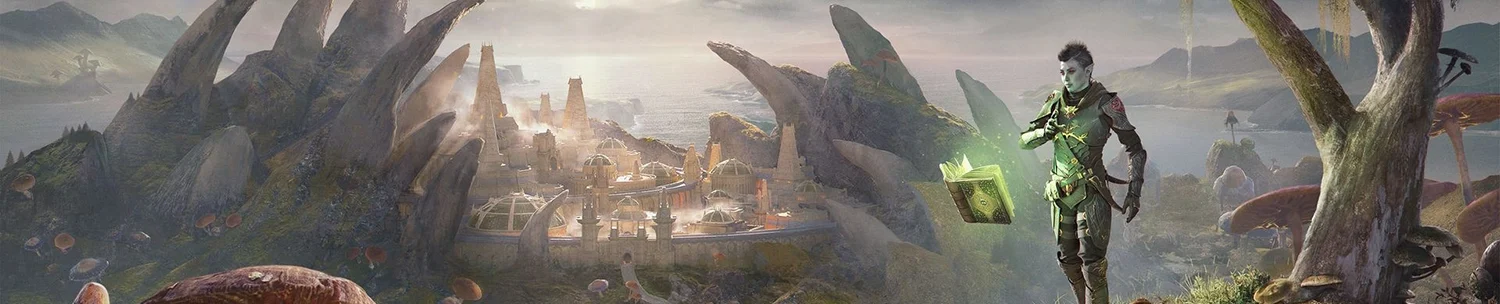
Is Western Solstice a tropical paradise, necromantic warzone, or maybe a little of each? Learn more about the new zone in this deep dive from ESO’s own developers.
One of the first questions on the lips of many new Soulframe players is “Can I unlock more Pacts, or am I stuck with the one I chose at the beginning?” (Pacts is Soulframe’s lingo for classes). The answer is yes, you can unlock all Pacts in the game, regardless of which one you chose […]
The post How to Unlock New Pacts (Classes) in Soulframe appeared first on AlcastHQ.
Requirements:LibAddonMenuDescription:This Addon is intended to assist with the sharing of quests within large groups in Cyrodiil, with support for jumping between 2 groups (for large guild runs).Hotkey Quest Sharing:Adds 2 Keybindings for auto-sharing quests to the group.Share Generic Cyrodiil Quests – Shares “Kill 20 Players”, “Capture 3 Keeps”, and “Capture 9 Resources”Share All Cyrodiil Quests – Shares All Daily Cyrodiil QuestsHotkey Group Swapping: Adds 2 Keybindings to jump between groups using autoInvite. Simply add the group Leaders and their respective Auto Invite strings to the addon settings and bind the keys.Each keybind will:Leave your current groupPrepare a whisper to the respective group leader with the provided auto invite stringWait for you to press enter to send the whisperAuto accept group inviteShare all Cyrodiil Daily Quests to the group
Skills define your playstyle in The Outer Worlds 2 – whether you prefer dialogue-heavy characters, sharpshooters, or engineers, this guide details every skill category and how skill progression works in the sequel.
The post All Skills in The Outer Worlds 2 first appeared on Hack the Minotaur.
Traits in The Outer Worlds 2 add unique strengths and weaknesses to your character.
The post All Traits in The Outer Worlds 2 first appeared on Hack the Minotaur.
What Does it Do for Me?Tired of writing down which traits you need across which alts so that you can craft them on your main and research them on your alts? This addon is for you!Currently shows the unresearched traits on the research tab.Development StatusDevelopment Status is working with known bugs, install at your own risk!RequirementsRequires LibHarvensAddonSettingsHow to Use1. Log into your main crafter ( the one with the most traits researched already )2. Install TraitCraft (or reset its saved variables from the “Manage My Addons” tab)3. Select your crafters from the addon menu4. Select your actively researching character(s) from the dropdown and select an icon for it – that icon will show up in the research tab of your selected crafters next to the trait they need5. Click “Apply Settings” – note that settings do not automatically apply in this addon’s menu6. Log onto the actively researching character(s) – this can be quick, just log on and you don’t have to do anything else7. Log back onto the desired crafter8. Open a crafting interaction9. Open the Research view10. See the icon(s) of the actively researching character(s) next to their needed traits – you will need to manually craft for nowRoadmap* Autocraft option* Possibly show traits on banked items (similar to TraitBuddy)Thanks, Credit, and InspirationI give credit to Baertram and the other developers ingeniousclown, katkat42, and Randactyl who developed LibResearch and Research Assistant, some code of which I used and modified. When I get to the autocraft feature I will no doubt look at Dolgubon’s Lazy Writ Crafter by Dolgubon as well.Special thanks to MaliBuuGaming for the original ESO UI post that got me thinking about this problem in ESO, and for alpha testing some very unstable releases.Resources* Github – https://github.com/saranicole/TraitCraft* Console mod page – https://mods.bethesda.net/en/elderscrollsonline/details/6214b947-f6ff-4d1b-b443-987daf528ecb/TraitCraft