

FlapRider (1.0.0)
Description
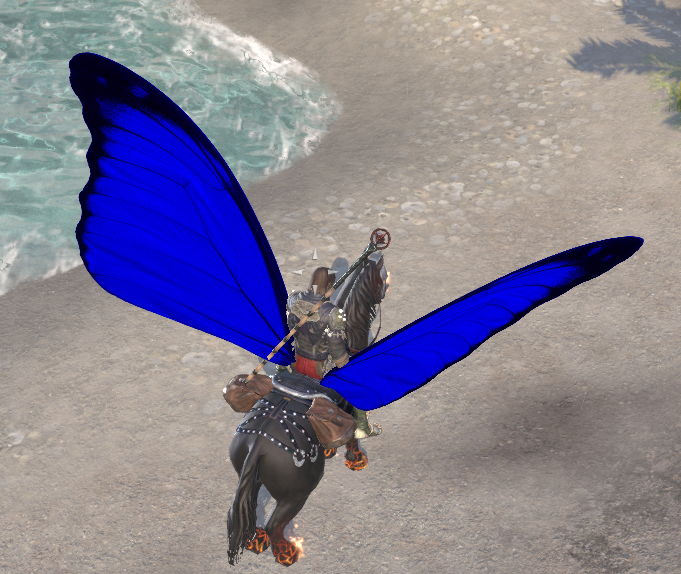
FlapRider adds animated flapping wings to your mount.
Hotkey
In keyboard bindings there is a FlapRider hotkey that acts as a toggle for the wings. Tapping the hotkey twice quickly opens the configuration panel.
Configuration
Configuration can be opened by command “/flaprider config” or by tapping the Hotkey twice.
Available settings:
Show Wings enable or disable wing display
Wing Type choose between different wing styles
Wing Tint pick a custom color for your wings
Slash commands
/flaprider Toggle wings on/off
/flaprider config Open the configuration panel







