

Dungeon Boss Pull Cards (0.20.0)
PullCard 0.2.0
CONCEPT
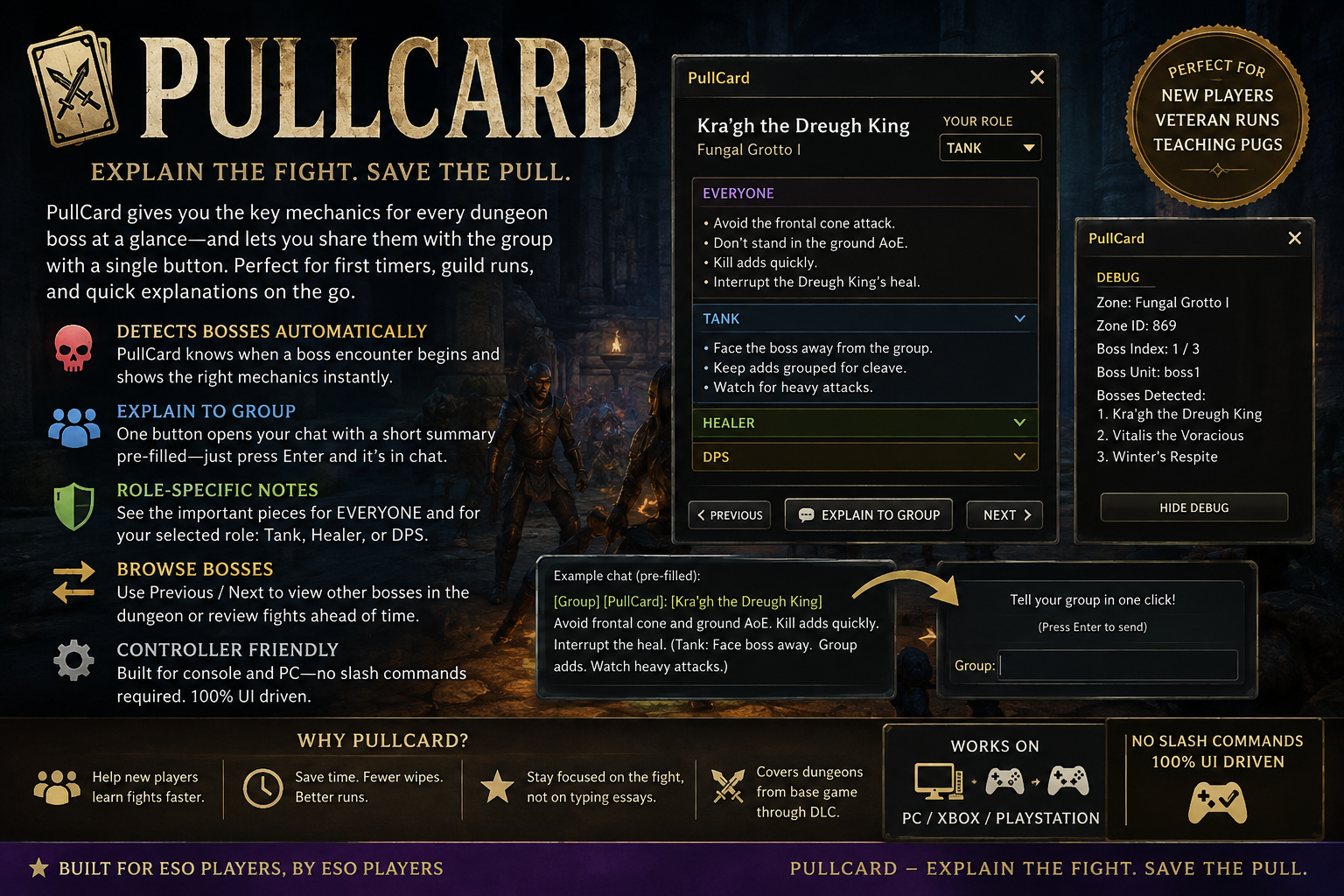
PullCard is a controller-first dungeon boss reference designed for fast, low-friction
encounter reads in ESO. The addon is built around a single idea: when you pull into a boss,
you should immediately see a compact summary, clear group-facing instructions, and a role-specific
reminder without digging through a wiki or chat log.
FEATURES
– Automatic boss detection when ESO exposes boss unit tags.
– Persistent mini-button to reopen the UI without a slash command or menu dance.
– Manual Previous / Next browsing for known boss cards.
– Compact, readable layout with summary text plus role notes.
– Group-chat prefill for the boss TL;DR, with final send still controlled by the player.
– Debug panel for zone ID and detected unit names during troubleshooting.
– Boss alias matching so minor name differences still resolve correctly.
UI FLOW
1. Enter a dungeon.
2. Pull an encounter or walk close to the boss.
3. PullCard opens automatically if the boss is detected.
4. Read the summary, then the role-specific notes.
5. Use Explain to Group to drop the short TL;DR into party chat.
6. Use Previous / Next for quick browsing when you want to review a different entry.
DATASET
This version includes a broad starter set of boss entries designed to demonstrate the full
addon flow and give the feature a complete feel before installation. Each boss card is built
around four pieces:
– Summary: the high-level bracket for the fight.
– Everyone: shared survival and positioning rules.
– Role: tank / healer / DPS guidance.
– TL;DR: a short party-ready line for text chat.
INSTALL
Extract the PullCard folder into:
DocumentsElder Scrolls OnlineliveAddOns
Then enable PullCard in the ESO Add-Ons menu and reload the UI or relog.
This is for testing purposes, I will be adding every boss in the game







