

Taichou’s Icon Highlight (1.1.0)
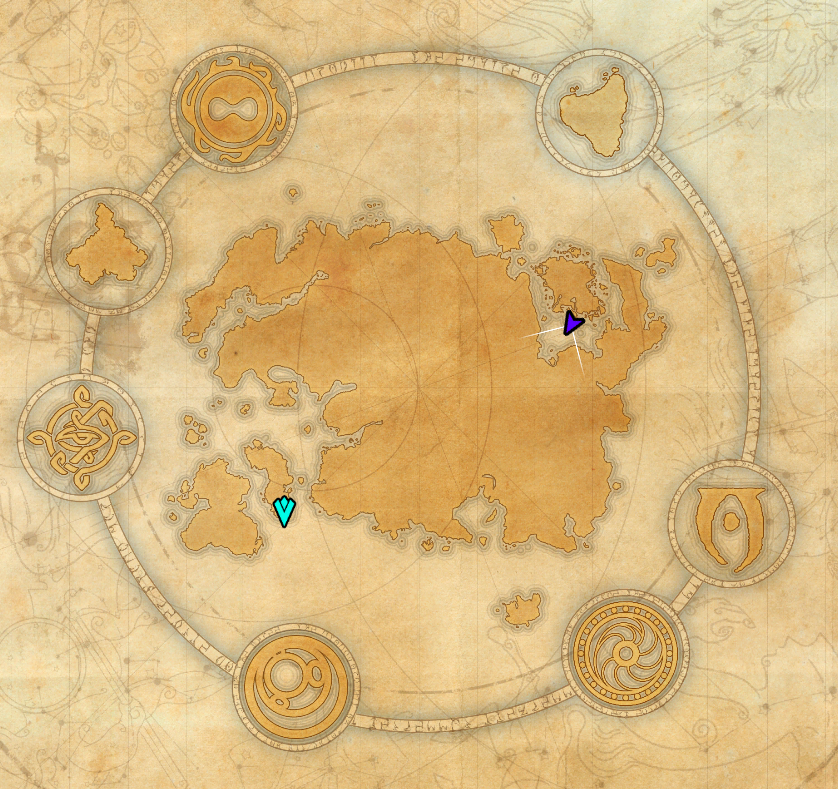
Helps your player marker and tracked quest stand out on the world map. A short, configurable pulsing color highlight made for tired eyes.
Why I made this
Honestly, I built this for myself. I’m getting older and my eyes are not what they used to be. Every time I opened the world map I’d lose a few seconds searching for where I am and where the next objective is the default markers just don’t pop enough for me anymore. So I made an add-on that, for a couple of seconds whenever the map opens or the displayed map changes, pulses the player marker, the tracked quest icon, and the tracked quest area in a short color-cycling animation. Just enough to catch the eye, then it fades back to normal so it doesn’t get in the way. Everything is configurable speed, size, colors, opacity and you can store the settings account-wide or per-character.
Features
Pulsing scale + color-cycling highlight on the player marker
Same effect on the tracked (assisted) quest icon
Color cycling on the tracked quest area circle, with adjustable opacity boost
Effect re-triggers automatically when you change the displayed map (zoom in/out, switch zones)
In-game settings panel (requires LibAddonMenu-2.0) for all timing, colors and toggles
Settings can be stored account-wide (default) or per-character
Settings (in-game)
Open Settings → AddOns → Taichou’s Icon Highlight.
Settings storage: account-wide or per-character
Enable: toggle the effect for player, tracked quest, and quest area individually
Timing & speed: effect duration, color cycle speed, pulse speed
Icon size: base multiplier and pulse amplitude for the player and quest icons
Colors: two-color palette per category, cycled smoothly
Area opacity: how opaque the tracked quest area becomes during the effect
Compatibility
API version: 101049 / 101050
The area-color effect temporarily modifies ZO_MAP_PIN_ASSISTED_COLOR and restores its original value when the effect ends. May conflict with other add-ons that override this color permanently.
LibAddonMenu-2.0 is required only for the in-game settings panel; the add-on still runs without it.
Source: github.com/VitorTaichou/icon-highlight







