

Werewolf Rave (1.3.0)
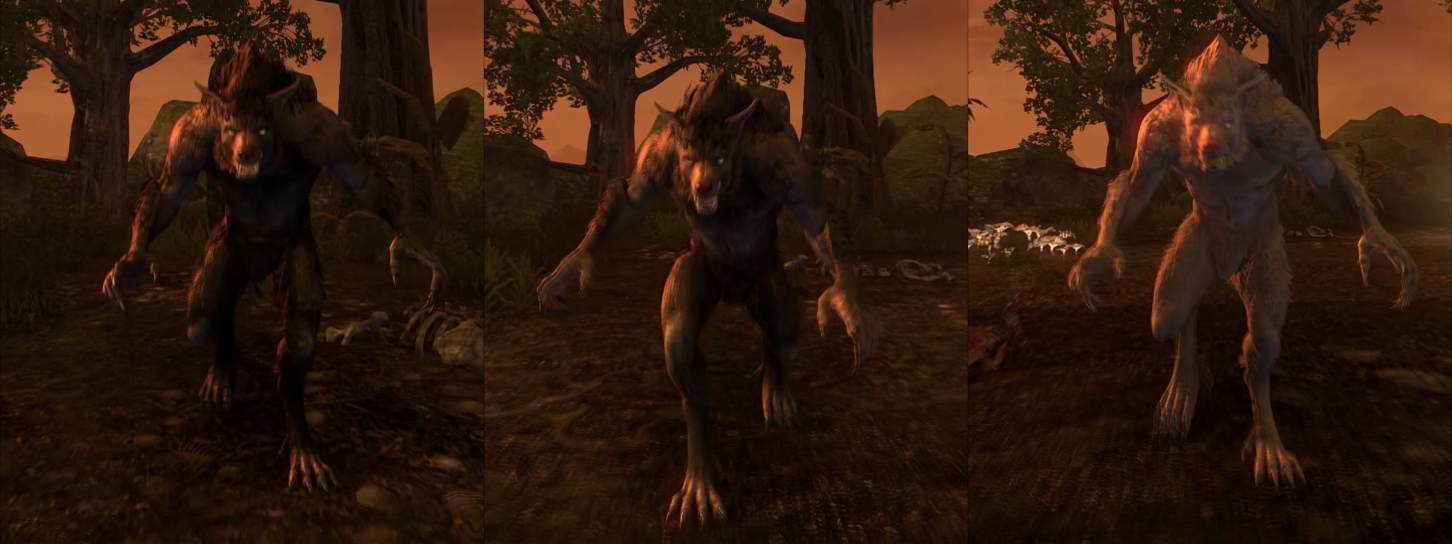
Werewolf Rave (WWR) automatically equips Werewolf Form Skill Styles depending on the selected activation methods, according to your custom style sequence.
Use this addon to shuffle between your unlocked styles, loop through them in a sequence, give a weighted chance for certain styles to appear, and more!
View post on imgur.com
View post on imgur.com
=== Activation Methods ===
While Transformed (/wwr auto): Continuously changes your fur color while you are transformed.
When Reverting Form (/wwr tf): Changes your fur color when you revert form, so you can look different when you transform again.
=== Settings ===
Selection Method (/wwr random)
Randomized (true): Treats the Style Sequence as a list of weighted probabilities.
Sequential (false): Treats the Style Sequence as the order to iterate through.
Allow Changes In Combat (/wwr combat): If true, styles may be equipped while you are in combat.
Allow Disable Styles (/wwr duplicates): If true, styles may re-equip while already equipped, toggling them off and showing the fur color for your morph of Werewolf Transformation.
Frequency (/wwr frequency): The interval in seconds between style changes in the continuous activation mode. Range is .
In-Combat Frequency (/wwr cfrequency): The interval in seconds between style changes while in combat in the continuous activation mode. Range is .
=== Editing the Style Sequence ===
If you also have the LibAddonMenu-2.0 addon installed, you can use the /wwrui slash command to edit these settings with a visual GUI. Alternatively, you may use the following /wwr slash commands to create, read, update, and delete entries in the Style Sequence.
Print ID Table (/wwr idtable)
Prints out the list of every Werewolf Form Skill Style currently in the game, in this order:
, ,
Print Style Sequence (/wwr getlist)
Prints out your current Style Sequence list, in this order:
, ,
Add, Change, or Remove From Style Sequence (/wwr setlist )
Used for manipulating the Style Sequence. Handles adding, changing, and removing elements.
Create (/wwr setlist new )
Inserts a new element at the end of the list.
Update (/wwr setlist )
Replaces the value at position in the Style Sequence with
Delete (/wwr setlist new nil)
Removes the last element of the list.







