
Weyland Vampire Stage Tracker (1.2.0)
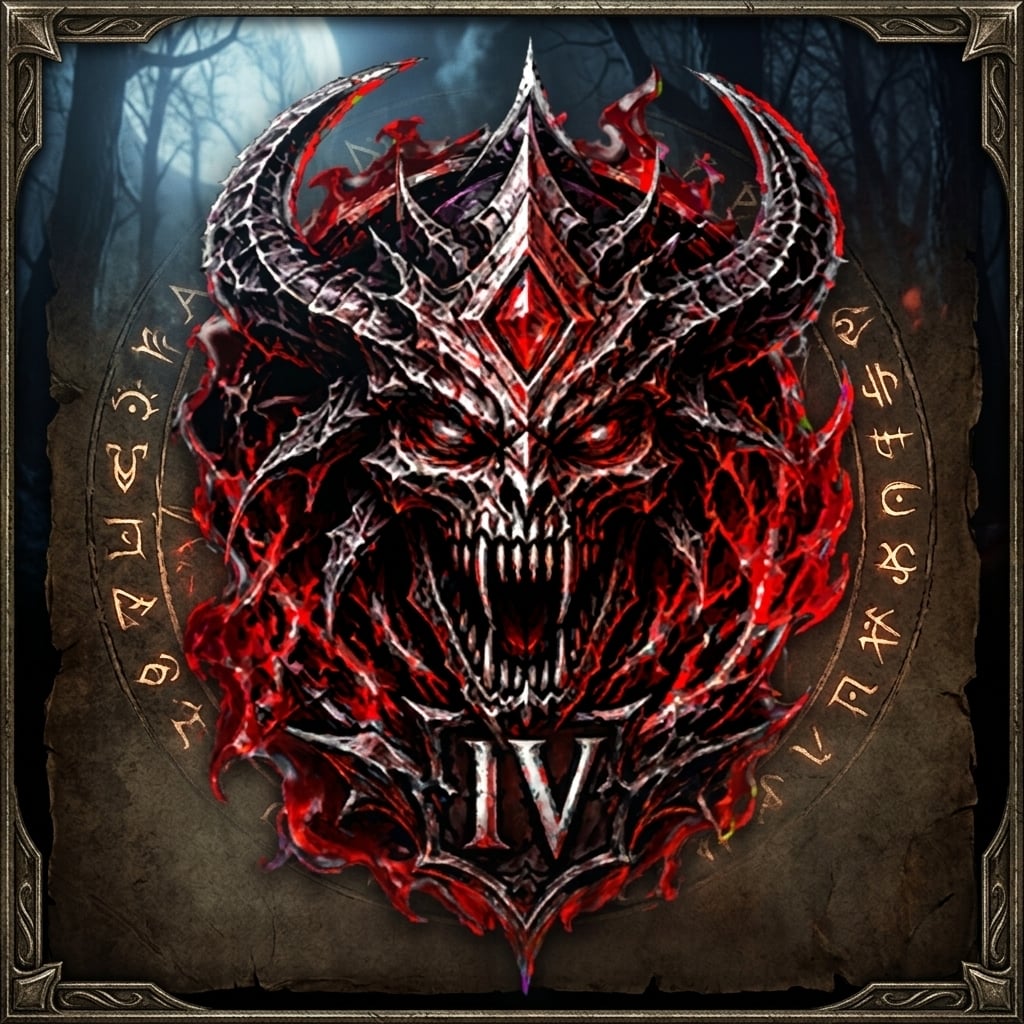
Weyland Vampire Stage Tracker
A small, good-looking HUD plate for vampires. It shows your current Vampirism stage (I-IV) and how much time is left before the next stage, so you never have to open the buffs list to check.
The addon only displays information. It does not automate anything, and it does not interact with combat, chat, items or any other game action.
What you see on screen
A gothic plate with the stage icon (I, II, III or IV; the numeral is part of the art).
Four blood drops: one lights up for every stage you have reached.
The remaining time for the current stage (stages II-IV; Stage I has no timer).
A thin progress bar under the drops that shrinks as the time runs out. The blood drops and progress bar are always shown or hidden together.
When time is low, the timer and progress bar turn warning red. You can choose the warning threshold (1-30 minutes).
Reliable by design
The stage is detected by the ability ID of the Vampire Stage buff, so it works in every client language.
The timer is read live from the buff, so it stays accurate after relogging, /reloadui and zone changes.
The HUD is shown only in the game view and is hidden automatically in menus, inventory, map and settings.
The HUD is hidden completely when you are not a vampire, unless you enable the optional sample plate.
Customization (all in the in-game settings panel)
Live preview at the top of the panel: it uses the same plate as the actual HUD and updates while you move the sliders. A stage selector lets you preview stages I-IV.
Overall scale (75%-150%) and separate stage icon size (32-120 px); the plate grows with the icon and the layout adjusts automatically.
Two palettes: Blood (gothic) and Classic.
Background opacity, decorative frame opacity and timer font size.
Show or hide the stage icon, timer, and the combined blood drops + progress bar group.
Smart visibility rules: at least one stage indicator must remain visible (the stage icon or blood drops). On stages II-IV, at least one time indicator must also remain visible (the timer or the blood drops + progress bar group). The addon prevents combinations that would hide essential information.
Stage I has no timer. When Stage I is selected in the settings preview, the timer option is unavailable; your saved timer preference for stages II-IV is preserved.
Options that cannot be used in the current configuration are disabled and include explanatory tooltips.
Timer format: compact (3h 25m) or clock (03:25:00).
Optional sample plate when you are not a vampire, handy for positioning and previewing the HUD.
Settings and position are saved account-wide.
Languages: English, German, French, Spanish and Russian (follows your client language; other languages use English).
Quick start
Install and enable the addon.
Type /vst unlock (or use the button in the settings panel). The cursor appears and you can drag the plate with the left mouse button.
Type /vst lock to save the position and lock the plate.
Open /vst settings to adjust the size, colors and displayed elements.
Commands
/vst settings (or /vstsettings) – open the settings panel.
/vst unlock – enter move mode (drag with the left mouse button); /vst lock – save the position and lock the plate.
/vst – with no arguments: switch between move mode and locked mode.
/vst reset – move the plate back to the center of the screen.
/vst colors – switch palette, or choose it directly: /vst colors blood, /vst colors classic.
/vst debug – print detected stage data (useful for bug reports).
/vampirestage – the same as /vst.
Dependencies
LibAddonMenu-2.0 is optional: it is only needed for the settings panel. Without it, the tracker works with default settings and can be controlled with /vst commands! But my personal recommendation is to install it.
Install
Extract the WeylandVampireStageTracker folder into Documents\Elder Scrolls Online\live\AddOns.
Enable the addon in the game’s Add-Ons menu.
When updating an existing Weyland Vampire Stage Tracker installation, replace the addon folder. Your saved settings and position are preserved.
Credits
Timer font: Cinzel Bold by The Cinzel Project Authors (SIL Open Font License 1.1). Icons and textures were created with AI image tools.
Support
This addon is free and every feature is available to everyone. If you enjoy it, you can optionally send a gift in gold or from the in-game Crown Store to @The’Inquisitor (EU megaserver). Thank you!
Bug reports and suggestions are welcome: please include the output of /vst debug and your client language.